Walk through the administrative wing of a modern hospital and you might notice something surprising: rows of desks, many of them empty at any given moment, despite the building being full of busy staff. The consultant who visits on Tuesdays, the community nurse who comes in to file paperwork twice a week, the finance officer splitting time between two sites — none of them need a permanent desk. Yet for years, healthcare organizations assigned one anyway. Hot desking software and healthcare workspace management platforms are changing that calculation, helping hospitals and health systems get more from their physical space without leaving staff scrambling for somewhere to sit.
Why Healthcare Is Catching Up with Flexible Working
The NHS, large hospital networks, and private health groups all employ a surprisingly large proportion of staff who are not bedside clinicians. Administrators, HR teams, finance departments, IT support, medical secretaries, compliance officers, and visiting specialists make up a substantial share of the workforce — and many of them do not need a fixed desk five days a week.
The shift accelerated after the pandemic demonstrated that much administrative and non-clinical work could be done remotely or on reduced on-site schedules. Healthcare organizations were then left managing a familiar problem with a new urgency: buildings designed around full-time, fixed-desk occupancy were suddenly half-empty on any given day, while real estate and facilities costs remained constant.
As an Amazon Associate, I earn from qualifying purchases.
At the same time, clinical space is chronically under pressure. Every square metre repurposed from underused offices into consultation rooms, treatment bays, or staff rest areas has direct patient care value. That makes getting workspace utilization right a genuinely clinical, not just administrative, concern.
What Hot Desking Software Actually Does in a Hospital Setting
The core function of a desk booking platform is simple: staff log in, see a visual map of available workstations, and reserve one for a session, a half-day, or a full day. But the healthcare context adds layers that generic corporate tools often miss.
Infection Control and Cleaning Compliance
Hospitals cannot treat shared workstations the same way a tech startup might. Booking systems used in healthcare environments are typically configured to enforce cleaning buffers — a gap between one user vacating a desk and another being allowed to book it. The platform can prompt the departing user to log a cleaning request, or automatically notify facilities staff that a workstation needs wiping down before the next occupant arrives. Some systems integrate with facilities management software so that cleaning status is visible on the booking map in real time, with desks remaining locked out until marked as ready.
Infection Control Zoning
Larger hospital sites often need to restrict movement between clinical zones for infection control reasons. A robust booking system can mirror this in its desk map, ensuring that a member of staff assigned to a particular ward area cannot inadvertently book a workstation in a zone with different hygiene requirements without the appropriate clearance being flagged.
As an Amazon Associate, we earn from qualifying purchases.
Managing Visiting Consultants and Locum Staff
Visiting consultants present a particular challenge. They may attend a site once or twice a week, need access to specific equipment (dictation stations, secure clinical systems, dual monitors), and often have little patience for hunting down an available desk between appointments. A booking platform solves this by letting them reserve a compliant workstation in advance, often via a mobile app, ensuring they arrive to a desk that is ready, clean, and equipped for their needs. Some platforms allow workspace profiles — a consultant can specify that they always need a large monitor and a headset, and the system will only show them desks that match those criteria.
Room Booking Beyond the Meeting Room
In healthcare, room booking extends well beyond standard meeting spaces. Multi-disciplinary team (MDT) rooms, videoconferencing suites for remote clinics, dictation booths, interview rooms for HR and occupational health, training rooms, and quiet rooms for focused work all need managing. A unified platform that handles both desk and room booking gives facilities teams a single view of occupancy across the whole estate, making it far easier to spot underused space and redeploy it.
The Data Layer: Understanding Real Utilization
Perhaps the most valuable feature of a mature workspace management system is not the booking interface itself, but the utilization data it generates over time. Most platforms produce dashboards showing peak booking hours, average desk occupancy by day of the week, no-show rates (bookings made but not checked in to), and which areas are consistently over- or under-subscribed.
For a hospital estates team making a case to leadership about reconfiguring space — or justifying a new build or lease extension — this kind of granular, time-stamped occupancy data is far more persuasive than a walk-around estimate. It also enables demand forecasting: if booking data shows that Wednesdays are consistently at ninety percent capacity while Mondays rarely exceed fifty percent, rotas and flexible working policies can be adjusted accordingly.
Some systems also use anonymous sensor data — motion detectors or desk sensors — to capture actual occupancy rather than relying solely on bookings. This closes the gap created by no-shows and helps identify desks that staff use informally without booking, which in turn improves the accuracy of space planning decisions.
Integration with Clinical and HR Systems
A booking platform that sits in isolation from the rest of an organization's digital infrastructure quickly becomes a nuisance to administer. The most effective healthcare deployments integrate workspace booking with existing directory systems (so staff log in with their NHS or hospital credentials rather than a separate account), HR systems (so that starters, leavers, and role changes are automatically reflected in access permissions), and visitor management platforms (so that external attendees can be issued temporary booking access tied to a specific visit).
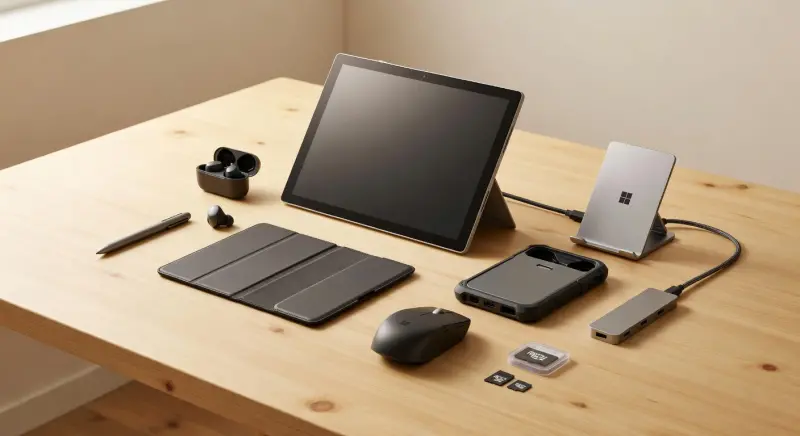
In environments where staff carry laptops between sites — a growing reality for hybrid administrative workers — integration with IT asset management can also be useful. A staff member booking a desk at a different hospital site can simultaneously confirm that they are bringing their own device, or trigger a request to have a loan device ready. For staff using portable setups, having a docking station waiting at the booked desk removes the friction of reconnecting to peripherals and monitors at each new location.
Challenges Specific to Healthcare Deployments
Equity and Staff Wellbeing
Not all staff adapt equally well to losing a fixed desk. Research across various sectors consistently shows that some workers — particularly those dealing with sensitive caseloads, those with certain disabilities or neurodivergent conditions, and those who have worked in a role for many years — find hot desking genuinely disruptive rather than liberating. Healthcare employers have a duty of care obligation that makes this more than a cultural preference.
Thoughtful deployment means building in exemptions: some staff should retain assigned desks as a reasonable workplace adjustment. It also means ensuring that the booking system is genuinely easy to use for people with varying levels of digital literacy. A platform that requires a multi-step app setup process and fails on older devices will generate resistance from day one.
Connectivity and Device Readiness
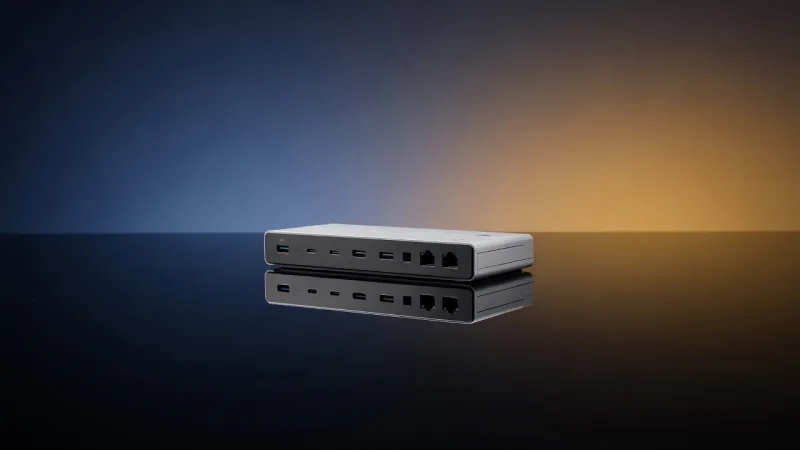
Hot desking only works smoothly when every bookable workstation offers a consistent, reliable working environment. In practice, this means standardized connectivity — typically a single cable connection that delivers power, display output, and network access simultaneously. For laptop-based workers in particular, a standardized docking station at each desk transforms the experience from "plug in four different cables and hope the network authenticates" into "sit down, connect once, and work." This kind of hardware standardization is often the unglamorous infrastructure investment that makes a booking system genuinely usable rather than theoretically appealing.
Wayfinding in Complex Buildings
A hospital is not a single-floor open-plan office. It may span multiple buildings, floors, and wings, with different access controls at each stage. A booking system that simply confirms "your desk is booked" without helping a visitor or infrequent attendee actually locate the desk is only doing half the job. Better platforms include digital wayfinding — a map view or turn-by-turn directions from the main entrance — which is particularly valuable when onboarding staff who work across multiple sites.
Choosing a Platform: What Healthcare Buyers Should Prioritize
The market for workspace management software has expanded rapidly, and many platforms have been designed primarily for corporate offices. When evaluating options for a healthcare setting, the following factors matter most:
- Cleaning workflow integration: Can the system enforce and log cleaning buffers between bookings, and does it integrate with your facilities management tools?
- Access control and zone management: Can it reflect the physical access restrictions of a clinical environment?
- Data security and compliance: Does it meet NHS Data Security and Protection Toolkit requirements, or equivalent standards in your jurisdiction? Where is booking data stored, and who can access it?
- Ease of use on mobile: Many healthcare staff are not desk-based when they need to make a booking. A genuinely mobile-first interface matters.
- Visitor and contractor access: Can temporary users be granted and revoked access cleanly, without IT involvement for each instance?
- Reporting depth: Does the platform produce the utilization reports your estates team actually needs, exportable in usable formats?
What Good Looks Like in Practice
A well-implemented healthcare hot desking system becomes largely invisible to its users — which is exactly the point. A medical secretary arrives at the hospital, checks the app they opened on the way in, sees that desk 4C is booked in their name and was marked clean at 8:15, walks directly there, plugs in, and works. A visiting cardiologist books a workstation near the cardiac suite two days in advance, specifying that they need a dual-monitor setup. A facilities manager reviews Monday morning utilization data and confirms that the third floor is consistently at under thirty percent occupancy on Fridays, building the evidence base for repurposing two rooms as patient consultation spaces.
None of this is futuristic. Hospitals that have moved away from assigned desks for non-clinical staff — often starting with a single department as a pilot — consistently report two outcomes: lower space costs per head, and, once initial resistance fades, broadly positive staff feedback driven by the flexibility the system enables rather than the loss of a fixed spot.
The fixed desk, in many parts of the modern hospital, was already a fiction — a desk assigned to someone who used it two days a week at most, kept tidy by the weight of organizational habit. Digital workspace management simply makes the reality visible, and turns that visibility into something useful.