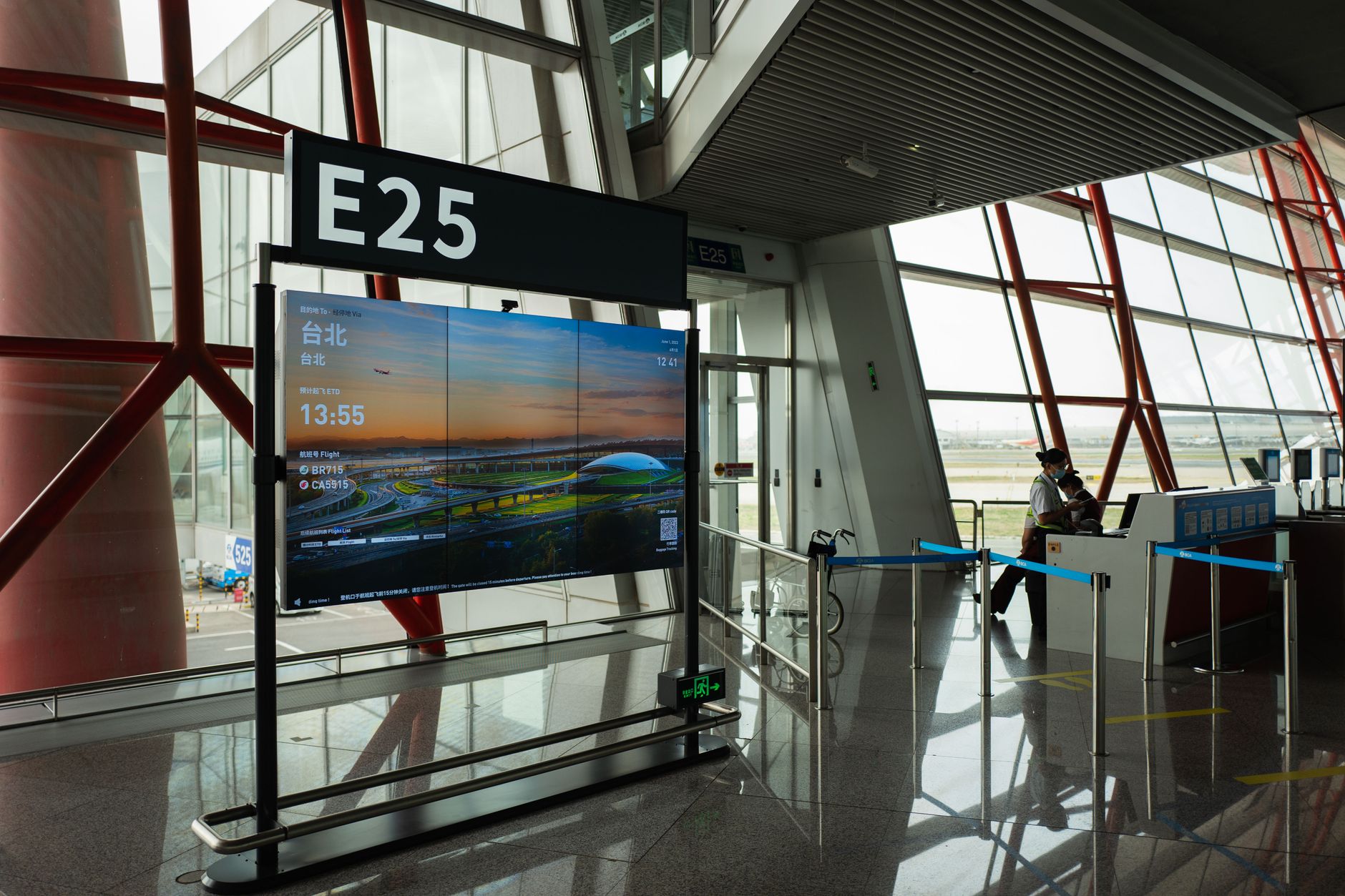
Walk through any large hospital and you'll pass dozens of screens. Directories in the lobby. Bed availability boards outside nursing stations. Queue displays in the pharmacy. Staff alert panels in break rooms. Most patients and visitors glance at them without a second thought. But behind each of those screens sits a computing device connected to a network, running software, touching sensitive data, and demanding the same IT governance as a laptop or a workstation. For hospital IT departments, digital signage is a full infrastructure problem — and one that rarely gets the attention it deserves.
What Hospital Digital Signage Actually Consists Of
Digital signage systems typically consist of a media player — a small computing device connected to a display — that runs dedicated software to fetch and render content from a central content management server. In a hospital, that architecture scales to hundreds or even thousands of endpoints spread across multiple buildings, floors, and departments, each with its own content requirements, update schedules, and access rules.
The media player is the critical piece. It might be a dedicated commercial appliance, a small-form-factor Windows or Linux PC, a System on Chip (SoC) built directly into the display panel, or a low-power ARM-based device. Whatever the form factor, it is — in every meaningful sense — a computer on your network. It has an operating system that needs patching. It has credentials. It communicates with servers. It can be compromised.
As an Amazon Associate, I earn from qualifying purchases.
The content management server (CMS) sits at the center of the operation, pushing scheduled content, triggering emergency alerts, and logging what each player is showing at any given moment. Some deployments run the CMS on-premises; others use cloud-hosted platforms. Many hospitals operate a hybrid, keeping the most sensitive operational displays — OR schedules, bed management boards — on internal servers while routing general wayfinding and patient education content through a cloud service.
The Taxonomy of Hospital Screens
Not all hospital screens are doing the same job, and that matters for how IT classifies and manages them.
Wayfinding Displays
These are the interactive kiosks and static directory panels that help visitors navigate a campus. They tend to show relatively low-sensitivity content — floor maps, department locations, café hours. But interactive kiosks introduce a browser or touch interface that must be locked down tightly to prevent visitors from accessing the underlying operating system or wandering onto the hospital network.
Operational Dashboards
Bed management boards, OR status displays, and emergency department flow screens are a different category entirely. These pull live data from electronic health record (EHR) systems or bed management platforms. The feeds may be de-identified at the display level, but the integration point — where the signage CMS talks to the EHR — is a genuine security boundary that must be governed with the same rigor as any other clinical system integration.
As an Amazon Associate, we earn from qualifying purchases.
Staff Communication Screens
Break room TVs showing shift schedules, HR announcements, policy updates, and cafeteria menus look innocuous. But if they're connected to the same network segment as clinical systems without proper segmentation, they represent an attack surface. In hospitals that have experienced ransomware incidents, investigators often find the initial foothold was an overlooked endpoint — and general-purpose screens are exactly the kind of device that can fall through the cracks of a patch management program.
Emergency Alert Integration
Many hospital signage networks are integrated with mass notification systems. When a code blue, fire alarm, or active threat alert is triggered, the CMS can override all screens campus-wide to display evacuation routes or instructions. This is a life-safety function, which means the infrastructure underpinning it — the network paths, the CMS availability, the player uptime — has to be treated with the same reliability standards as other life-safety systems.
The IT Management Challenge
Endpoint Sprawl and Visibility
A medium-sized regional hospital might have three hundred signage players deployed. A large academic medical center could have thousands. Each is a node that must appear in the asset inventory, be assigned an owner, and be tracked through its lifecycle. In practice, signage players are often provisioned by an audiovisual integrator during a construction or renovation project, handed off to IT with minimal documentation, and then quietly forgotten until something breaks. Getting those devices into a proper configuration management database (CMDB) is a foundational step that many organizations haven't completed.
Patching and OS Management
A signage player running an unpatched operating system in a hospital corridor is a vulnerability. Players running Windows-based software fall under the same patch management obligations as any other Windows endpoint — they need to be in WSUS or a comparable patch management system, they need antivirus, and they need to be rebooted periodically in a way that doesn't leave a blank screen staring at patients for hours. Players running embedded Linux or proprietary SoC firmware have their own update cadences, which must be tracked separately. Coordinating all of this across multiple vendors and form factors is one of the more tedious aspects of hospital signage management.
Network Segmentation
Best practice in healthcare IT is to segment the signage network from clinical networks. Wayfinding and general communication displays have no business being able to reach EHR servers, medical devices, or imaging systems. A dedicated VLAN for signage, with firewall rules restricting traffic to only what's needed (typically outbound to the CMS and inbound content delivery), significantly reduces the blast radius of any compromise on a signage endpoint.
Operational dashboards that need EHR data should receive it through a controlled, one-way data feed or API integration — not by giving the signage player direct database access. This architecture keeps the display layer isolated while still letting it show live operational data.
Physical Security
The media player attached to a corridor display is often accessible to anyone who walks by. Players mounted behind displays in public areas need to be physically secured — whether that means locking enclosures, cable locks, or simply mounting them out of reach. USB ports should be disabled at the OS level to prevent unauthorized devices from being plugged in. This is particularly important for kiosks in lobbies and waiting areas where the public has unmonitored access.
Governance, Ownership, and the AV-IT Divide
One of the persistent organizational challenges in hospital digital signage is the split between the AV team that installs and operates the screens and the IT team responsible for the underlying infrastructure. The AV team cares about content, resolution, scheduling, and uptime. The IT team cares about security, compliance, patch levels, and network behavior. These goals don't always align naturally, and the gap between them is where vulnerabilities and management failures tend to live.
Mature healthcare organizations address this by establishing a formal ownership model: IT owns the network connection, the endpoint security posture, and the OS management; the AV or communications team owns the CMS and content. A service level agreement between the two functions defines responsibilities, escalation paths, and change management procedures. Without this clarity, signage players end up in a governance gray zone where nobody is sure who should apply the next OS patch or respond when a player goes offline at 2 a.m.
HIPAA Considerations
Signage systems in hospitals must be evaluated for HIPAA compliance, even when the displayed content appears de-identified. The integration between a bed management board and an EHR is a system-to-system connection that constitutes a data exchange involving protected health information at some point in the pipeline. Business associate agreements may be required with cloud-based CMS vendors. Access controls on the CMS itself — determining who can push content to which screens — must be managed and audited. Screen placement matters too: a bed status display that's readable from a public corridor may inadvertently expose patient information in a way that violates the minimum necessary standard.
Monitoring and Uptime
A screen showing the wrong content — or no content — in a clinical setting isn't just an aesthetic problem. A blank OR schedule board disrupts surgical coordination. A frozen emergency alert display during a drill (or a real event) is a safety failure. Hospital IT teams increasingly integrate signage player monitoring into their broader infrastructure monitoring platforms, using heartbeat checks and remote management tools to detect when a player has gone offline, is showing an error state, or has stopped fetching content updates.
Remote management capability is essential at scale. When a player in a sixth-floor nursing station needs a reboot, the ability to do that from the IT helpdesk — rather than sending a technician to physically cycle power — is the difference between a one-minute fix and a two-hour work order. Most enterprise-grade signage platforms include remote reboot, screenshot verification (to confirm what the screen is actually showing), and player health dashboards for exactly this reason.
What Good Looks Like
A well-managed hospital digital signage infrastructure looks a lot like any well-managed endpoint fleet. Every player is in the asset inventory with a known owner, OS version, and last-patched date. Players live on a dedicated network segment with documented firewall rules. The CMS is backed up, access-controlled, and covered by a business associate agreement if it's cloud-hosted. Emergency alert integration is tested on a defined schedule. Physical security of players in public areas is part of the facilities checklist. And the AV and IT teams have a written agreement about who does what.
Getting there requires treating those corridor screens not as furniture that happens to display information, but as computing infrastructure that carries real security and operational risk. The screens nobody thinks about deserve exactly that much thought.
Sources
Every factual claim in this article was independently verified against the following sources:
- CODA Content Delivery Architecture — en.wikipedia.org