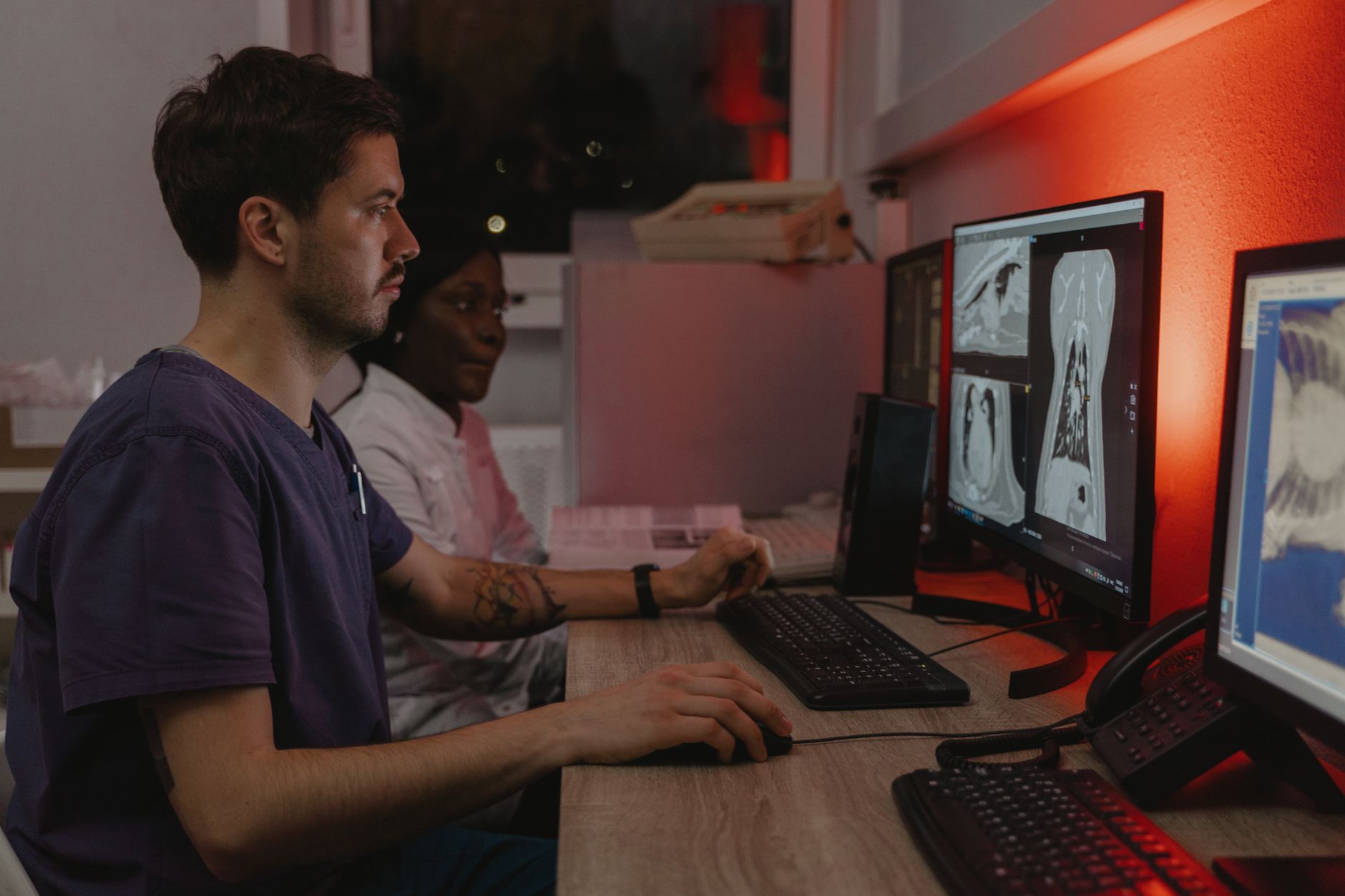
At 2 a.m. on a Tuesday, while most of a hospital's corridors are quiet, something invisible is happening across hundreds — sometimes thousands — of computers. Security patches are being downloaded, tested, and applied. Nurses' stations, radiology workstations, pharmacy terminals, and administrative desktops are all being quietly updated while the fewest possible hands need them. By morning, the machines look exactly the same. But underneath, they're a little harder to attack.
This is automated patch management in healthcare IT — one of the most unglamorous, most consequential, and most genuinely difficult jobs in modern hospital operations. Getting it right means the difference between a secure network and a ransomware incident that shuts down clinical systems mid-shift. Getting it wrong means either leaving systems dangerously exposed or forcing a nurse to stare at a rebooting screen when she needs a patient's medication record right now.
Why Patching Matters More in Hospitals Than Almost Anywhere Else
Every organization with computers needs to keep its software up to date. Hospitals face a version of this problem that is categorically harder than most industries deal with.

As an Amazon Associate, I earn from qualifying purchases.
First, the stakes of a security breach are not just financial — they are clinical. When hospital systems go offline unexpectedly, staff revert to paper-based workflows, decision-making slows, and in documented cases, patient care has been measurably harmed. Second, hospitals run software that other industries simply don't: imaging systems, electronic health records, laboratory information systems, infusion pump interfaces, and dozens of other specialized clinical applications — each with its own update cycle, its own compatibility requirements, and its own vendor support terms.
Third, and most pointedly, the consequences of not patching are catastrophic and well-documented. The WannaCry ransomware attack in May 2017 affected a large number of NHS hospitals in the UK, with a significant contributing factor being unpatched Windows operating systems. Appointments were cancelled, ambulances were diverted, and the attack became a defining example of what happens when patch management falls behind in a healthcare environment.
What Automated Patch Management Actually Does
Manual patching — an IT technician walking from machine to machine, applying updates by hand — became impractical the moment hospital networks grew beyond a few dozen computers. Automated patch management systems handle this at scale, and they do it in several coordinated stages.
Discovery and Inventory
Before you can patch anything, you need to know what's running. Modern patch management platforms continuously scan the network to maintain a live inventory of every device, its operating system version, and the software installed on it. In a large hospital system, this inventory can run to tens of thousands of endpoints — including devices that move around, like tablets carried between wards or laptops used by clinicians who work across multiple sites.
As an Amazon Associate, we earn from qualifying purchases.
Patch Sourcing and Categorization
When a vendor releases a patch — Microsoft's monthly Patch Tuesday being the most familiar example — the patch management system ingests it and categorizes it by severity. Critical patches addressing actively exploited vulnerabilities sit at the top of the queue. Routine feature updates and optional improvements sit lower. This triage matters enormously in healthcare, where IT teams cannot always apply every patch instantly without testing it first.
Testing Before Deployment
This is where hospital IT diverges most sharply from simpler enterprise environments. A patch that breaks a general office productivity suite is annoying. A patch that breaks the interface between a Windows workstation and a medication dispensing cabinet, or corrupts the driver for a radiology display calibrated for diagnostic imaging, can be genuinely dangerous.
Most healthcare IT departments maintain a test environment — a set of machines configured to mirror production systems — where patches are deployed and validated before they touch the live network. For critical security patches, this testing window might be compressed to hours. For lower-priority updates, it might run for several weeks. The goal is to catch compatibility problems before they reach a machine a clinician is depending on.
Staged Rollout
Even after testing, few hospitals push a patch to every machine simultaneously. Instead, they use staged or ring-based deployment. The first ring might be a small group of non-clinical administrative machines. If nothing breaks after 24 or 48 hours, the patch moves to a second, larger ring — perhaps clinical support staff. Only after several rings have passed without incident does the patch reach the most sensitive clinical endpoints.
This approach contains the blast radius of any problem that slipped through testing and gives IT teams time to react before a faulty update reaches a critical care unit.
The Timing Problem: Why 2 a.m. Isn't as Simple as It Sounds
The obvious answer to "when should we patch?" is "when nobody's using the machines." In most offices, that's nights and weekends. Hospitals don't have that luxury in the same way.
Hospitals run 24 hours a day, seven days a week. A ward that's quiet at 2 a.m. still has night nurses charting observations, on-call physicians accessing test results, and pharmacy systems processing overnight medication orders. The overnight "quiet" period is real but relative — and it varies by department. An emergency department is busy at 3 a.m. A surgical scheduling office is not.
Sophisticated patch management systems in healthcare deal with this by targeting deployments at the device level based on usage patterns. A computer that telemetry shows is almost never used between midnight and 5 a.m. gets scheduled in that window. A machine in an emergency department that sees constant use regardless of the hour might get patched during a specific known-quiet period, or might require coordination with charge nurses to find a brief window.
The Reboot Problem
Many patches — particularly operating system patches — require a system reboot to take effect. Reboots are where patch management and clinical workflow collide most visibly. An automated system that forces a reboot mid-shift interrupts whatever the user was doing, potentially causing unsaved work to be lost or, worse, a logged-in session with patient data to be abruptly closed.
Healthcare IT teams manage this through several mechanisms. Active-hour policies prevent reboots during defined working hours. Deadline enforcement gives users a notification that a reboot is pending and a countdown timer, with the ability to defer — up to a point. The deferral window is usually capped, so patches cannot be postponed indefinitely. And some patches are structured to apply in the background without requiring an immediate reboot, staging the restart for the next time the machine would naturally be shut down.
The Specialized Device Challenge
General-purpose Windows or macOS computers are, in some ways, the easy part. The harder problem is the sprawl of specialized clinical devices that run software developed by medical device manufacturers — software that may depend on a specific, older version of an operating system or runtime environment.
A picture archiving and communication system (PACS) workstation used by radiologists, for instance, might be certified by its vendor only on a particular Windows version. Applying a Windows update that the vendor hasn't validated can technically void the device's regulatory certification and potentially break its function. This creates a genuine tension: the security team wants the latest patch applied; the vendor contract and the device's clinical purpose may push in the opposite direction.
Hospitals manage this through network segmentation — isolating clinically specialized devices on separate network segments with tighter access controls, reducing the attack surface even when patches can't be immediately applied — and by maintaining close communication with vendors about their update validation timelines.
The Tools Behind the Curtain
The patch management platforms used in large healthcare environments are enterprise-grade systems. Microsoft's Windows Server Update Services (WSUS) and its successor capabilities within Microsoft Endpoint Configuration Manager (formerly SCCM) are common in Windows-heavy environments. Third-party platforms like Ivanti, Tanium, and others offer additional capabilities including cross-platform patching, more granular scheduling, and richer compliance reporting.
These tools integrate with IT service management systems so that every patch deployment is logged, auditable, and reportable. Healthcare organizations are subject to regulatory requirements — in the US, HIPAA's security rule requires risk management processes that include keeping software current — so the ability to demonstrate a patch was applied, when, and to which devices is not just operationally useful. It's a compliance necessity.
For hospitals that have standardized on Microsoft Surface devices for their clinical and administrative staff, features like Windows Autopatch and integration with Microsoft Intune allow patch policies to be applied consistently across Surface Pro tablets, laptops, and other endpoints from a single management console — simplifying the logistics of keeping a mixed mobile and desktop fleet in sync.
When Things Go Wrong
Even in well-run environments, patches occasionally cause problems. A patch may conflict with a clinical application. A reboot may fail and leave a machine in a partial state. A driver update may cause a peripheral — a barcode scanner, a docking station, a signature pad — to stop functioning correctly.
Good patch management includes rollback capability: the ability to uninstall a problematic patch and restore a machine to its prior state quickly. Help desk integration means that when a user reports a problem after a patch deployment, IT can correlate the complaint with the recent change, identify whether it's isolated or widespread, and respond accordingly.
The incident response workflow for a bad patch is different from a security incident, but it draws on the same discipline: identify, contain, remediate, and document. In a hospital, speed matters — a broken workstation in a clinical area isn't just an IT ticket, it's a patient safety concern if it persists.
The Human Side: Communication and Culture
Technical sophistication only gets you so far. Clinicians who habitually dismiss patch notifications, who never log out of machines (preventing automated restarts), or who physically label a machine "do not update" because they're worried about disruption are a real phenomenon in healthcare IT. The solution isn't purely technical.
Successful hospital IT departments invest in communication. They explain, in plain terms, why patching matters — and the WannaCry story is a powerful illustration that lands with clinical staff. They work with department heads to understand workflow rhythms. They provide advance notice when a significant patch cycle is coming. And they make the feedback channel easy to use, so that when a patch does cause a problem, staff report it rather than quietly working around a broken machine.
The goal is a culture where patching is understood as part of clinical safety — not a nuisance imposed by IT — because in an environment where unpatched systems can cascade into care disruptions, that framing is simply accurate.
The Broader Lesson
Automated patch management in healthcare is a microcosm of a challenge that runs through all of healthcare IT: the need to apply rigid security discipline to an environment that demands continuous availability and clinical flexibility. The invisible maintenance window — that quiet stretch of overnight hours when thousands of machines silently update themselves — represents an enormous amount of planning, testing, coordination, and policy work that clinical staff will hopefully never have to think about.
When it works, nobody notices. When it doesn't — when a ransomware attack finds its way through an unpatched system, or when a forced reboot interrupts a medication administration workflow — the cost is measured not just in downtime hours or recovery expenses, but in the erosion of trust between patients and the institutions caring for them. That's what makes getting the timing right not just a technical problem, but a genuinely important one.
Sources
Every factual claim in this article was independently verified against the following sources:
- EternalBlue — en.wikipedia.org